
 AI
AI  Analytics
  Cloud
Cloud  Office
  Stock
Stock  Disk
Disk  Dev
Dev  Forms
Forms  Crypto
WordPress launched in 2003 as a simple blogging tool, has become the backbone of the modern web. In 2025, it powers over 43% of all websites, from personal blogs and small businesses to global enterprises and high-traffic publishers.
Nearly a decade ago, I wrote article on LinkedIn Pulse:10 Effective Tips for Protecting WordPress Sites, which remains highly relevant today. In that article, I shared practical and often overlooked security measures to protect WordPress websites from common vulnerabilities—such as disabling the theme and plugin editors, enabling two-factor authentication, limiting login attempts, regular code scanning, and securing file permissions. These foundational steps are crucial because WordPress powers over 43% of the web, making it a frequent target for attacks.
Read on LinkedIn: 10 Effective Tips for Protecting WordPress Sites
Despite advances in platform security, the core principle of proactive, layered defense still holds, underscoring the importance of vigilance and best practices that extend beyond simple passwords and updates.
This remarkable journey is a testament to its open-source ethos, vibrant community, and relentless innovation. As digital strategy and web development professionals look for platforms that balance flexibility, scalability, and future-readiness, WordPress stands out—not just for its legacy, but for its ongoing transformation.
This article examines how WordPress has evolved over 22 years, what it offers today as a website building platform, and why it remains relevant in a landscape crowded with hosted site builders, headless CMSs, and AI-powered tools. We’ll explore its core features, plugin and theme ecosystem, hosting options, use cases, developer workflows, performance and security best practices, SEO strategies, AI integration, and the trends shaping its future.
Subscribe
From
Get

The Evolution of WordPress: From Blogging Tool to Web Platform
A Brief History: Key Milestones (2003–2025)
WordPress’s journey began in 2003, when Matt Mullenweg and Mike Little released the first version to democratize online publishing3. Its early focus was on ease of blogging, but pivotal milestones quickly expanded its scope:
- 2004: Introduction of the plugin architecture, enabling extensibility without core modification.
- 2005: Launch of the theme system and static Pages, making WordPress useful beyond blogs.
- 2010: WordPress 3.0 marked its transition to a full CMS, with custom post types, taxonomies, and multisite support.
- 2015: REST API groundwork, enabling headless and decoupled architectures.
- 2018: Gutenberg block editor (WordPress 5.0), revolutionizing content creation with a visual, block-based approach.
- 2021–2023: Full Site Editing (FSE) and block themes, giving users block-level control over entire site design.
- 2024–2025: Major performance, security, and AI integration updates, with WordPress 6.8 and 6.9 focusing on speed, collaboration, and smarter site building45.
Today, WordPress is not just a CMS—it’s a flexible, extensible platform for building any kind of digital experience.
Key Takeaway:
WordPress’s open-source model and community-driven development have enabled it to adapt to every major shift in web technology, from mobile and RESTful APIs to block-based editing and AI.
The Core Platform in 2025: Features and Capabilities
Block-First Editing and Full Site Customization
The block editor, introduced as Gutenberg, is now the default content and site-building experience. Users can create rich layouts using a growing library of core and third-party blocks—text, images, galleries, embeds, forms, and more—without touching code4. Full Site Editing (FSE) allows for block-based control over headers, footers, templates, and global styles.
Recent releases (WordPress 6.8 and 6.9) have further refined this experience:
- Speculative Loading: Near-instant page loads by preloading links before clicks.
- Redesigned Style Book: Easier management of site-wide styles.
- Content-Only Editing: Restricts editing to content (not layout), ideal for client handoffs.
- Block-Level Commenting (Notes): Enables collaborative editing and feedback directly within the editor.
- Simplified Site Editing Mode: Focuses the interface for content changes, hiding advanced design tools.
- Flexible Template Management: Draft, switch, and preserve custom templates across theme changes.
- New Blocks: Accordion, Math, Time-to-Read, and Terms Query blocks expand layout and content options4.
Block themes—built around the theme.json configuration—enable granular control over design tokens (colors, typography, spacing) and global styles, making it easier to maintain design consistency and performance67.
Extensibility and APIs
WordPress’s extensibility remains unmatched:
- Plugin API: Nearly 60,000 free plugins, plus thousands of premium options, cover everything from SEO and security to e-commerce and automation8.
- REST API and WPGraphQL: Power headless and decoupled architectures, enabling integration with modern JavaScript frameworks (Next.js, Gatsby, Astro)910.
- Interactivity and Abilities APIs: New in 6.9, these APIs enable dynamic, AI-powered, and collaborative features.
Key Takeaway:
WordPress in 2025 is a block-first, API-rich platform that empowers both no-code users and developers to build, customize, and scale digital experiences.

The WordPress Ecosystem: Themes, Plugins, and Design Systems
Themes and Block Themes
The theme ecosystem has matured dramatically:
- Classic Themes: Still widely used, offering traditional PHP-based templating.
- Block Themes: Built for FSE, using theme.json for configuration and block patterns for reusable layouts. Popular block themes include Twenty Twenty-Four, Frost, and Blocksy6.
- Design Systems:theme.json enables centralized control of design tokens, global styles, and editor settings, improving maintainability and handoff between designers and developers67.
Developers can mix CSS and theme.json, but the trend is toward standardized, JSON-driven design systems for performance and consistency.
Plugins: The Engine of Innovation
The plugin landscape is more vibrant than ever:
- Growth: Plugin submissions doubled in 2025, with over 59,000 free plugins and a .38 billion market value8.
- AI-Powered Plugins: Explosive growth in plugins for content generation, chatbots, SEO, translation, and automation. Categories include chatbots, content generators, e-commerce enhancements, multimedia, and more1112.
- Security and Performance: Plugins like Wordfence, Sucuri, WP Rocket, FlyingPress, and LiteSpeed Cache are essential for site hardening and speed optimization131415.
- E-commerce and Monetization: WooCommerce, Easy Digital Downloads, MemberPress, and LMS plugins (LearnDash, LifterLMS, Tutor LMS) enable advanced business models161718.
- Automation and Integration: Tools like Uncanny Automator, Zapier, and WP Webhooks connect WordPress to external services and automate workflows.
Plugin Review and Security:
The WordPress Plugins Team now runs automatic security scans on every plugin update, with plans to deliver security reports to authors and stricter enforcement for serious issues. AI-assisted review tools have improved review speed and quality, supporting ecosystem health1920.
Key Takeaway:
The WordPress ecosystem’s scale and diversity—spanning themes, plugins, and design systems—make it the most extensible and future-proof website platform available.

Hosting in 2025: Managed WordPress Hosting and Green Infrastructure
Managed Hosting: Performance, Security, and Simplicity
Managed WordPress hosting has become the norm for serious sites, offering:
- Optimized Infrastructure: Providers like Kinsta, Rocket.net, WP Engine, and SiteGround deliver high-performance, containerized environments with edge caching, CDN integration, and automated scaling212223.
- Security: Built-in firewalls, malware scanning, DDoS protection, and automatic updates.
- Developer Tools: One-click staging, cloning, SSH, Git, WP-CLI, and local development suites (DevKinsta).
- Backups and Recovery: Daily or hourly backups, instant restores, and hack-fix guarantees.
- Support: 24/7 expert support, often with WordPress specialists.
Comparison: Kinsta vs Rocket.net
Both offer premium managed hosting, but Kinsta is favored for enterprise-grade stability, granular control, and developer tooling, while Rocket.net excels in edge delivery speed for static content. Both are powered by carbon-neutral Google Cloud and Cloudflare Enterprise, supporting sustainability goals212223.
Sustainability and Green Hosting
With data centers responsible for 3.7% of global CO₂ emissions, green hosting is a growing priority. Providers like GreenGeeks, Kinsta, and SiteGround run on renewable energy and optimize infrastructure for efficiency, helping businesses meet ESG goals23.
Key Takeaway: Managed WordPress hosting in 2025 delivers enterprise-grade performance, security, and sustainability, freeing teams to focus on content and growth.
Use Cases: WordPress for Every Website
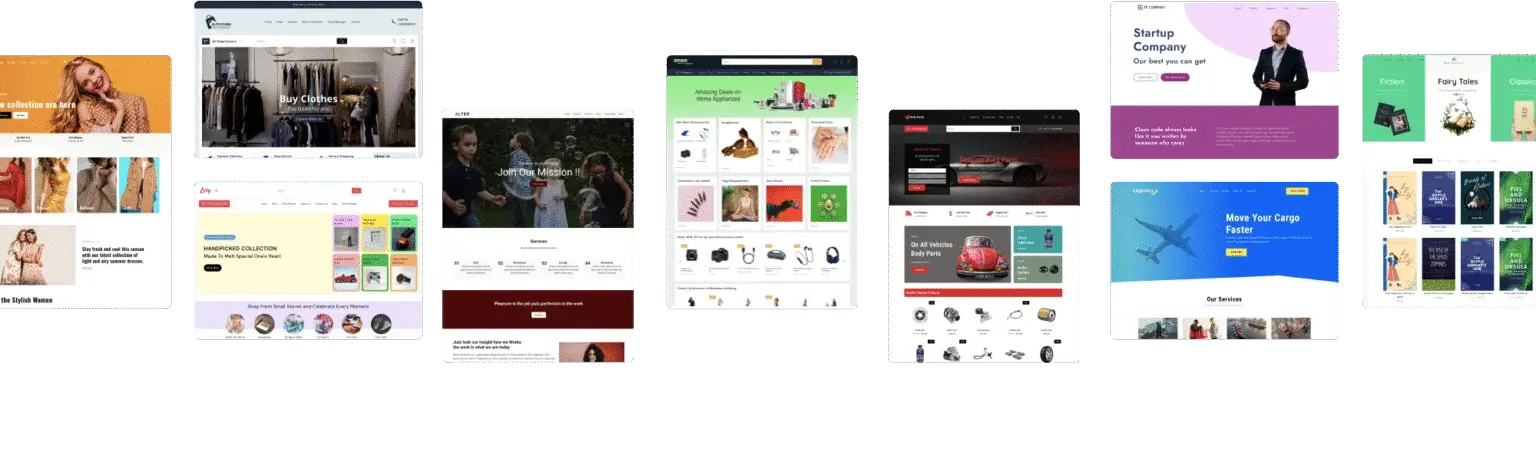
Blogging and Publishing
WordPress’s roots in blogging remain strong. Its editor, revision history, taxonomy system, and SEO tools make it the platform of choice for content creators, journalists, and publishers24125. Major brands (TED, Rolling Stone, NASA, TIME, Harvard Gazette) and millions of individuals rely on WordPress for scalable, SEO-friendly publishing241.
Features:
- Rich media embedding, custom post types, and author management.
- Editorial workflows, collaborative editing, and block-level commenting.
- Monetization via ads, affiliate links, memberships, and e-commerce.
E-commerce: WooCommerce and Beyond
WooCommerce powers over 28% of all e-commerce sites, offering:
- Storefronts: Sell physical, digital, or subscription products.
- Payment Gateways: Stripe, PayPal, Apple Pay, and more.
- Shipping and Tax: Automated calculation and integration.
- Performance: WooCommerce 9.9 delivers up to 95% faster admin load times, reload-free product filters, and advanced checkout customization1626.
- Extensions: Subscriptions, bookings, memberships, and product add-ons.
Alternatives like Easy Digital Downloads and MemberPress support digital sales and recurring revenue models.
Memberships, LMS, and Complex Applications
WordPress excels at building membership sites, online courses, and complex applications:
- Memberships: Plugins like MemberPress, MemberMouse, and Restrict Content Pro automate user management, content gating, and payments.
- Learning Management Systems (LMS): LearnDash, LifterLMS, and Tutor LMS support course creation, quizzes, certificates, and integrations with e-commerce and email marketing1718.
- Community and Forums: bbPress, BuddyPress, and custom integrations enable forums, social networks, and user-generated content.
Enterprise and Internal Sites:
WordPress powers intranets, portals, and enterprise knowledge bases, with multisite and custom user roles for granular access control27.
Headless and Decoupled Architectures
Headless WordPress—using WordPress as a backend CMS with a decoupled frontend (Next.js, Gatsby, Astro)—is now mainstream:
- APIs: REST API and WPGraphQL enable fast, flexible data access910.
- Frontend Freedom: Build SPAs, PWAs, and multi-channel experiences.
- Performance: Static site generation, incremental static regeneration, and on-demand revalidation deliver blazing speed and scalability.
- Enterprise Adoption: 55% of enterprises now use WordPress exclusively, with 18% handling over 10 million monthly visitors27.
Key Takeaway:
WordPress’s flexibility and extensibility make it the best choice for blogs, e-commerce, memberships, LMS, communities, and enterprise-grade digital experiences.
Developer Workflows: Modern Tooling, Headless, and Block-First
Block-First Development
Block-first development is now the standard for modern WordPress sites:
- Custom Blocks: Built with React, ACF Blocks, or custom registration for dynamic layouts.
- Block Patterns: Reusable design elements for rapid prototyping.
- theme.json: Centralizes configuration, design tokens, and editor settings for maintainable, scalable themes67.
Headless and Composable Architectures
Developers increasingly use WordPress as a content engine within composable architectures:
- APIs: REST, WPGraphQL, and custom endpoints.
- Frontend Frameworks:Next.js, Gatsby, Astro, Nuxt, and more.
- Automation: CI/CD pipelines, Git-based workflows, and on-demand content revalidation.
- Composable Stacks: Integrate WordPress with e-commerce, CRM, analytics, and serverless functions for modular, scalable solutions91028.
Tooling and Local Development
- DevKinsta, LocalWP: Simplify local development, environment management, and deployment.
- WP-CLI: Command-line management for updates, database resets, and scaffolding.
- Bedrock, Trellis: Environment-aware configurations and best practices.
- CI/CD: Automated testing, deployment, and monitoring via GitHub Actions, GitLab CI, and platform-specific tools.
Key Takeaway:
Modern WordPress development is fast, automated, and deeply integrated with the broader web development ecosystem, supporting both traditional and headless workflows.
Performance, Core Web Vitals, and Optimization Best Practices
Core Web Vitals: The New Standard
Google’s Core Web Vitals—Largest Contentful Paint (LCP), Interaction to Next Paint (INP), and Cumulative Layout Shift (CLS)—are now critical ranking factors2930. WordPress sites must meet these thresholds for SEO and user experience:
- LCP: <2.5 seconds (main content loads quickly).
- INP: <200ms (site responds instantly to user input).
- CLS: <0.1 (no unexpected layout shifts).
Optimization Strategies
- Hosting: Choose optimized, managed WordPress hosting with edge caching and CDN integration.
- Caching: Use plugins like FlyingPress, LiteSpeed Cache, WP Rocket, or W3 Total Cache for page, object, and browser caching1415.
- Image Optimization: Convert images to WebP/AVIF, use responsive images, and lazy load non-critical assets.
- JavaScript and CSS: Minify, defer, and split code; eliminate render-blocking resources.
- Database and Asset Cleanup: Regularly optimize database tables and remove unused plugins/themes.
- Critical CSS and Preloading: Generate critical CSS and use resource hints for fonts and images.
- Mobile Optimization: Prioritize mobile performance, as mobile-first indexing dominates search.
Performance Plugins:
FlyingPress and LiteSpeed Cache lead in optimizing Core Web Vitals, with features like critical CSS, image preloading, and advanced CDN integration. WP Rocket and Perfmatters are also popular, but may lag in advanced features1415.
Key Takeaway:
Meeting Core Web Vitals is essential for SEO and user engagement. WordPress offers the tools and best practices needed to achieve top scores.
Security, Maintenance, and Compliance
Security Best Practices
With WordPress powering over 43% of the web, it’s a prime target for attacks. Security is multi-layered:
- Updates: Keep core, themes, and plugins updated. Enable automatic updates where possible.
- Strong Authentication: Use strong passwords, two-factor authentication (2FA), and limit login attempts.
- Firewalls and Malware Scanning: Plugins like Wordfence and Sucuri provide endpoint and cloud-based protection, malware scanning, and DDoS mitigation1331.
- Backups: Schedule regular backups with plugins like UpdraftPlus or via managed hosting.
- Least Privilege: Assign user roles carefully and minimize admin access.
- Compliance: Support for GDPR, CCPA, and HIPAA via plugins and integrations.
Plugin Security:
Automatic security scans for all plugin updates, AI-assisted reviews, and stricter enforcement are raising the bar for ecosystem security1920.
Maintenance and Monitoring
- Automated Updates: WordPress supports auto-updating for core, plugins, and themes.
- Monitoring: Use uptime monitoring, real user monitoring (RUM), and synthetic testing for performance and security.
- Staging Environments: Test updates and changes before deploying to production.
Key Takeaway:
WordPress security and maintenance require a proactive, layered approach, but the ecosystem provides robust tools and best practices for every site owner.
SEO on WordPress in 2025: Tools and Strategies
Built-In SEO Strengths
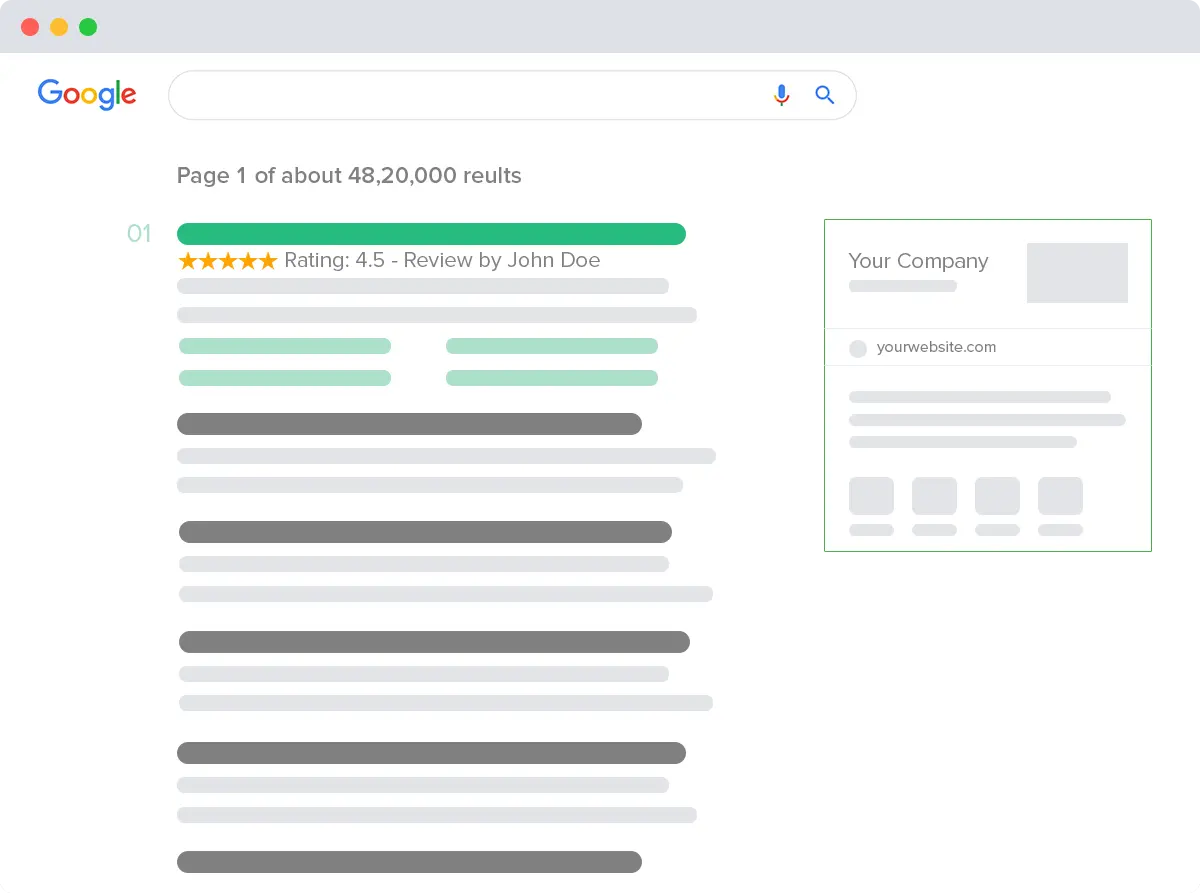
WordPress is SEO-friendly by design, with clean code, semantic markup, and customizable permalinks. Its extensibility enables advanced optimization:
- SEO Plugins: Yoast SEO and Rank Math are the leading plugins, offering meta tag management, schema markup, sitemaps, redirects, and real-time content analysis3233.
- Yoast SEO: Trusted, beginner-friendly, with readability analysis and frequent updates.
- Rank Math: Feature-rich, supports multiple focus keywords, advanced schema, and AI-powered content suggestions—even in the free version.
- AI SEO Tools: Surfer SEO, NeuronWriter, and Frase.io provide AI-driven content briefs, SERP analysis, and keyword optimization.
- Technical SEO: XML sitemaps, robots.txt, schema, and canonical tags are easily managed.
- Performance and Core Web Vitals: Directly impact rankings; optimization is essential.
- E-E-A-T Signals: Build trust with author bios, credentials, testimonials, and secure, transparent sites.
Analytics and Measurement
- GA4 and Search Console: Integrate with MonsterInsights or ExactMetrics for in-dashboard analytics and search performance tracking.
- SEO Audits: Use tools like PageSpeed Insights, Lighthouse, and dedicated SEO audit plugins.
Key Takeaway:
WordPress remains the top platform for SEO, with powerful plugins, AI tools, and best practices to future-proof your site’s visibility.
AI Integration: Content, Development, and Plugins
AI in Content Creation and Site Management
AI is now deeply integrated into WordPress workflows:
- Content Generation: Plugins like Jetpack AI Assistant, AI Engine, and Bertha AI generate blog posts, product descriptions, and translations directly in the editor1112.
- Chatbots and Virtual Agents: AI-powered chatbots handle customer support, lead generation, and user engagement.
- SEO Optimization: Rank Math AI and Surfer SEO provide real-time, AI-driven SEO suggestions.
- Image Generation: AI tools create images, alt text, and optimize media for performance and accessibility.
- Automation: Uncanny Automator and similar plugins connect WordPress to external services, automating repetitive tasks.
Plugin Development:
AI assists developers with code generation, debugging, documentation, and security review, accelerating innovation and improving quality.
AI Plugin Trends
- Growth: AI-related plugin submissions have grown exponentially, covering chatbots, content, SEO, translation, and more.
- Integration: AI is being built into core features (e.g., Abilities API in 6.9) and developer tooling.
Key Takeaway:
AI is transforming WordPress content creation, development, and user experience, making sites smarter, faster, and more engaging.
WordPress vs Hosted Site Builders: Wix, Squarespace, and Others
Comparative Analysis
| Feature/Platform | WordPress (Self-Hosted) | Wix | Squarespace |
|---|---|---|---|
| Ease of Use | Steep learning curve | Beginner-friendly | Most intuitive |
| Ownership | Full (site, data, code) | Limited | Limited |
| Design & Templates | 13,000+ themes, full customization | 2,000+ templates, moderate customization | 190+ templates, minimal customization |
| Features & Flexibility | Endless via plugins/code | Wide feature set, less extensible | Fewer features, limited extensibility |
| E-commerce | Advanced (WooCommerce) | Good for small/mid | Good for small shops |
| SEO Tools | Full control, advanced | Basic tools | Built-in, limited |
| Pricing | –+/mo (hosting, themes, plugins) | –9/mo | –/mo |
| Support | Community, paid hosting | Included | Included |
| Best For | Developers, businesses, content-heavy sites | Beginners, small biz | Creatives, portfolios |
| Market Share (2025) | 43%+ (500M+ sites) | ~3% (8M sites) | ~1.5% (4M sites) |
Analysis:
- WordPress offers unmatched flexibility, ownership, and scalability, but requires more setup and maintenance.
- Wix is fast and user-friendly, ideal for small businesses and beginners, but limited in customization and ownership.
- Squarespace excels in design and ease of use, perfect for creatives, but less flexible for complex or SEO-driven sites.
Key Takeaway:
Choose WordPress for full control, scalability, and advanced features; Wix or Squarespace for quick, simple sites with minimal technical overhead.
Trends Shaping the Future of WordPress
Sustainability and Green Hosting
- Green Hosting: Providers like Kinsta and GreenGeeks run on renewable energy, helping sites reduce their carbon footprint23.
- Performance Optimization: Faster sites use less energy, aligning with sustainability goals.
Composable Architectures and Headless Adoption
- Composable Stacks: WordPress as a content engine, integrated with best-in-class tools for e-commerce, CRM, analytics, and automation.
- Headless and API-First: Growing adoption of headless WordPress for multi-channel, high-performance, and scalable solutions928.
Enterprise Adoption and Innovation
- Enterprise-Grade: 55% of enterprises use WordPress exclusively, with proven scalability, security, and ROI27.
- Collaboration and AI: Real-time collaboration, block-level commenting, and AI-powered features are shaping the next generation of digital experiences.
Ecosystem Health and Community
- Contributor Activity: The WordPress community remains vibrant, with thousands of contributors, regular events, and ongoing investment in security and innovation.
- Plugin Review Process: Automated security scans, AI-assisted reviews, and stricter enforcement are raising ecosystem standards.
Key Takeaway:
WordPress’s future is defined by sustainability, composability, enterprise adoption, and a thriving community, ensuring its continued relevance and leadership.
Practical Guidance: When to Choose WordPress and Recommended Stack
When to Choose WordPress
- You need full control and ownership of your site and data.
- Your project requires advanced customization, integrations, or scalability.
- Content, SEO, or e-commerce are central to your strategy.
- You plan to grow or pivot your digital presence over time.
- You want access to a vast ecosystem of plugins, themes, and developer resources.
WordPress is ideal for:
- Blogs, news sites, and publishers.
- E-commerce stores (WooCommerce).
- Memberships, LMS, and online communities.
- Business and enterprise websites.
- Headless and composable architectures.
Recommended Stack for Modern WordPress Sites
- Hosting: Managed WordPress hosting (Kinsta, Rocket.net, WP Engine, SiteGround, GreenGeeks).
- Theme: Block theme with theme.json (e.g., Twenty Twenty-Four, Frost, Blocksy).
- Page Builder: Native block editor (Gutenberg); Elementor or Bricks for advanced needs.
- SEO: Rank Math or Yoast SEO.
- Performance: FlyingPress or LiteSpeed Cache; Cloudflare Enterprise CDN.
- Security: Wordfence or Sucuri; 2FA and regular backups.
- E-commerce: WooCommerce with essential extensions.
- AI Tools: Jetpack AI Assistant, AI Engine, or Bertha AI for content and automation.
- Analytics: GA4 and Search Console integration via MonsterInsights or ExactMetrics.
- Developer Tools: DevKinsta or LocalWP for local development; WP-CLI for automation; Git-based CI/CD.
WordPress’s Enduring Relevance and Future-Readiness
After 22 years, WordPress remains the world’s most powerful, flexible, and future-ready website platform. Its evolution from a blogging tool

Leave a comment
Your email address will not be published. Required fields are marked *