
 AI
AI  Analytics
  Cloud
Cloud  Office
  Stock
Stock  Disk
Disk  Dev
Dev  Forms
Forms  Crypto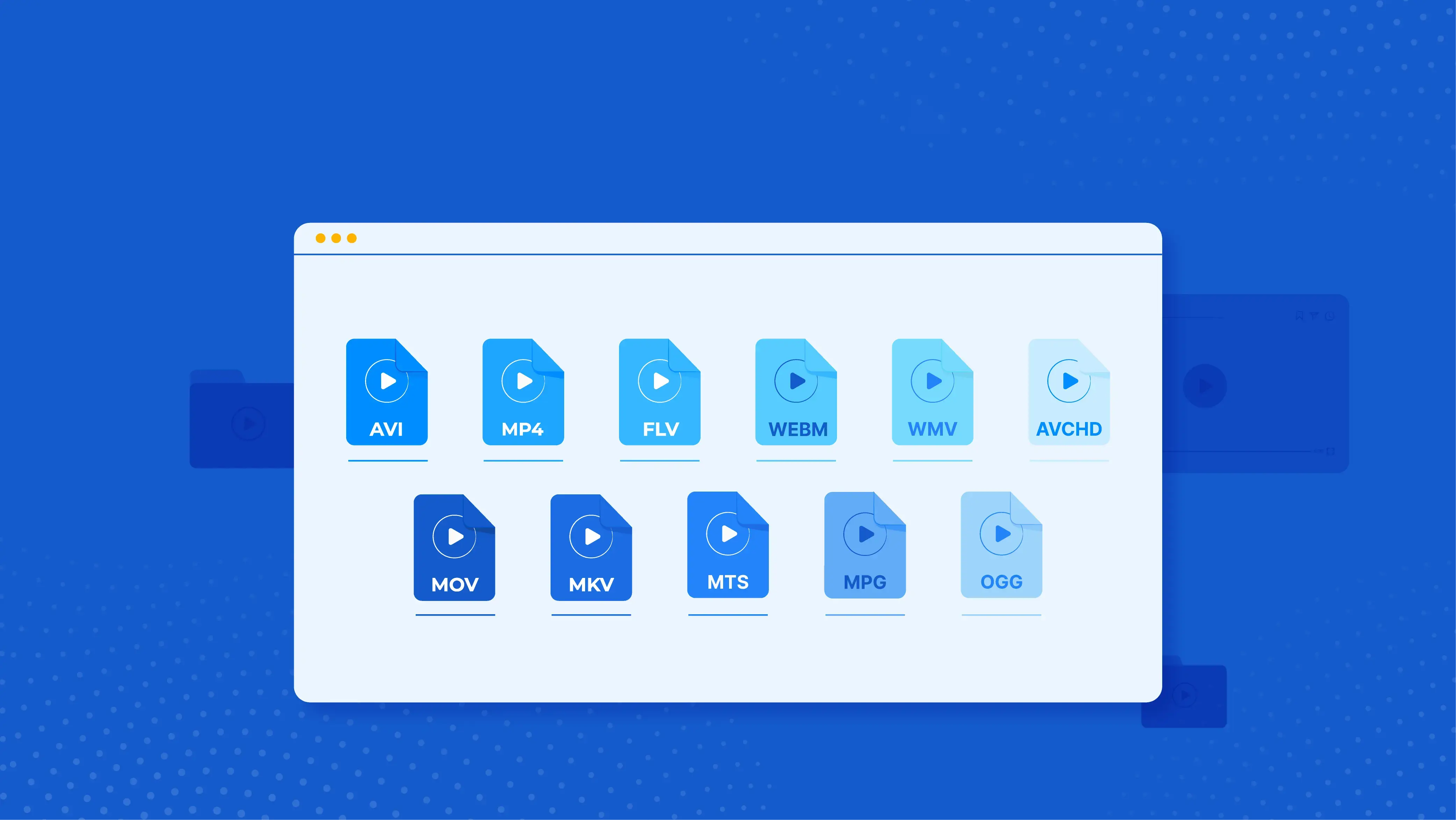
In a world where video content is consumed at every turn – from streaming on social media to professional productions – understanding video formats and encoders is becoming crucial. These elements determine how video files are saved, compressed and played , directly affecting quality, file size and device compatibility.
In this article, inspired by the features of popular software like OBS Studio , we will explore several key video containers (formats) and encoders in detail. We will focus on their features, history, advantages and limitations – along with real-world examples from the world of streaming, recording and video distribution.
Video Formats (Containers)
Video formats are like “boxes” that hold audio, video, and other data. They don't compress the content themselves, but rather organize the data for storage or transmission. Below is an overview of the most important formats.
MPEG-4 (.mp4)
MPEG-4 Part 14, commonly known as MP4, is a digital multimedia container format most commonly used for storing video and audio, but can also contain subtitles or images. It was developed as part of the MPEG-4 standard (ISO/IEC 14496-14:2003) and is based on the QuickTime format. Historically, it was first published in 2001, and generalized into the ISO Base Media File Format in 2004.
Key features:
- Support for internet streaming (hint tracks)
- Contains a moov atom with metadata (resolution, frame rate, etc.)
- Compatible with H.264, H.265, AV1 codecs and AAC, MP3 audio formats
Advantages: Enables streaming, wide compatibility, rich metadata support
Limitations: Closed format, may become unusable if the file is incomplete
Practical example: MP4 is ideal for uploading videos to YouTube or Facebook , but also for professional export in software like Adobe Premiere. When you record a vlog with your smartphone and share it online – MP4 is your most reliable ally.
Flash Video (.flv)
Flash Video (.flv) is a container format for delivering digital video over the Internet, associated with Adobe Flash Player (since version 6). There are two subformats: FLV and F4V (based on the ISO Base Media File Format). Developed by Macromedia (later Adobe), first supported in 2003 in Flash Player 7.
Characteristics:
- Supports Sorenson Spark, VP6 and H.264 video codecs
- Audio: MP3 or AAC
- Designed for web streaming via RTMP protocol
Advantages: Good quality at lower bitrates, hardware acceleration
Limitations: Outdated format, poor support on mobile devices
Practical example: FLV can still be found in old web archives and legacy systems – especially for RTMP streaming and Flash-based players.
Matroska (.mkv)
Matroska (.mkv) is an open standard container format that can hold an unlimited number of video, audio, image or subtitle tracks in one file. Developed in 2002 as a fork of Multimedia Container Format, based on Extensible Binary Meta Language (EBML).
Characteristics:
- Supports streaming and flexible expansion
- Extensions: .mka (audio), .mks (subtitles)
- WebM format database
Advantages: Completely open, highly flexible, royalty-free
Limitations: Limited support in Apple QuickTime environment
Practical example: MKV is perfect for HD movies and archiving – ideal for Blu-ray rips, multiple languages and subtitles.
QuickTime (.mov)
QuickTime File Format (.mov) is a multimedia container developed by Apple, which contains audio, video or text tracks. Published in 1991, open but not free, and the basis for the MPEG-4 format.
Characteristics:
- Hierarchical structure with atoms
- Allows in-place editing without copying
- Multichannel audio support
Pros: Professional editing in Final Cut Pro , efficient media management
Limitations: Less support outside the Apple ecosystem
Practical example: MOV is an industry standard in the Apple environment – from film production to YouTube creators using Mac devices.
Hybrid MP4 [BETA] (.mp4)
Hybrid MP4 is a new format introduced in OBS Studio 30.2, which combines fragmented MP4 during recording with finalization at the end for reliability. Developed to prevent file corruption.
Pros: Reliable against file corruption, compatible with standard MP4 players. Limitations: Still in beta phase
Practical example: Streamers use it for long recording sessions , where it allows for recovery of the recording even if OBS crashes.
Fragmented MP4 (.mp4)
Fragmented MP4 is a variant of the MP4 format that divides the file into independent fragments for dynamic handling.
- Characteristics: Each fragment has its own metadata, supports progressive download and streaming without a complete file. It is used for video-on-demand and live broadcasting.
- Advantages: Flexible for incomplete streams, base for formats like 3GP. Limitations: More complex than standard MP4.
MPEG-TS (.ts)
MPEG Transport Stream (.ts) is a standard container for the transmission of audio, video and PSIP data, designed for unreliable channels. Published in 1995 (ISO/IEC 13818-1). Features: Packets of 188 bytes with synchronization, support for multiple programs, error correction. It is used in broadcasting (DVB, ATSC, IPTV) and Blu-ray.
- Advantages: Low latency, fault tolerant.
- Limitations: Requires constant bitrate, additional overhead.
Practical examples: It is used in TV broadcasting, such as digital television, where it enables the transmission of multiple channels via satellite. In streaming, part of HLS for segments, eg in live sports broadcasts on IPTV platforms.
HLS (.m3u8 + .ts)
HTTP Live Streaming (HLS) is an adaptive streaming protocol that uses .ts segments indexed in .m3u8 playlists.
Advantages: Adaptive, stable, works through firewalls
Limitations: Partial support outside of Apple devices
Practical example: Standard protocol for Twitch , YouTube Live , and Apple TV , especially for live events.
Video Encoders
Encoders are tools that compress video data using specific codecs. Below is an overview of the most commonly used encoder technologies in OBS Studio and similar software.
NVIDIA NVENC AV1
NVENC AV1 is a hardware encoder in NVIDIA GPUs (from the Ada Lovelace generation), which offloads encoding from the CPU. Features: Supports 8K 10-bit AV1 encoding, 4:2:2 subsampling in newer versions. It is used for livestreaming and editing in software like OBS. Advantages: Faster than software, up to 8 simultaneous streams. Limitations: Depends on GPU, limits on consumer cards.
Practical examples: In OBS Studio, it is used to stream 4K gameplay on Twitch with low bitrate, where it provides better quality than H.264 without CPU load. For example, gamers with RTX 40 series cards choose it to record and stream simultaneously, saving game resources.
AOM AV1
AOM AV1 (libaom) is a reference software encoder for the AV1 codec, developed by AOMedia in 2018. Features: Royalty-free, supports up to 8K, advanced predictions and filters. Used for web video. Advantages: Up to 50% better compression than H.264. Limitations: Slower encoding, CPU intensive.
Practical examples: Used in HandBrake to compress video for the web, such as preparing content for Netflix. For example, developers use it to test AV1 on YouTube, where it reduces file sizes by 50% compared to older codecs, ideal for mobile data.
NVIDIA NVENC H.264
NVENC H.264 is an NVIDIA hardware encoder for the H.264 codec, supported since the first generation (2012). Features: Supports B-frames, up to 4K60. It is used for streaming. Advantages: Fast, low latency. Limitations: Less efficient than newer codecs.
Practical examples: In OBS, the standard for streaming to YouTube, where it enables high quality with low CPU load. For example, content creators use it for live tutorials, as it is widely supported on all platforms and devices.
NVIDIA NVENC HEVC
NVENC HEVC (H.265) is an NVIDIA encoder for HEVC, introduced in the third generation (2014). Features: Supports 8K, 10-bit. It is used for high quality content. Advantages: Up to 25% bit rate savings. Limitations: No B-frames in early versions.
Practical examples: It is used to record 4K video in OBS for uploading to Vimeo, where it saves bandwidth. For example, filmmakers choose it for HDR content, as it provides better compression than H.264, but you need to check support on the target devices.
SVT-AV1
SVT-AV1 is an open-source AV1 encoder, developed by Intel and Netflix, focused on scalability. Features: Multi-threaded, up to 50% bitrate savings. Used for broadcast. Advantages: Faster than libaom, royalty-free. Limitations: Resource-intensive.
Practical examples: In OBS, it is used for CPU-based AV1 encoding for broadcast, such as preparing content for Netflix. For example, servers use it for bulk video encoding, where it is faster than AOM AV1 for overnight jobs.
x264
x264 is an open-source encoder for H.264, developed by VideoLAN. Features: Supports psychovisual enhancements, Blu-ray compatibility. Used in FFmpeg and HandBrake. Advantages: High quality, SIMD acceleration. Limitations: CPU-intensive compared to hardware.
Practical examples: Standard for CPU encoding in OBS for machines without NVIDIA GPU, such as screencast recording. For example, users choose it for high-quality exports in HandBrake, where it provides better quality than hardware encoders in low-end setups.
Based on technical documentation and resources from: Wikipedia, nvidia.com , bitmovin.com , maestro.io , techsmith.com , fastpix.io , obsproject.com

Leave a comment
Your email address will not be published. Required fields are marked *